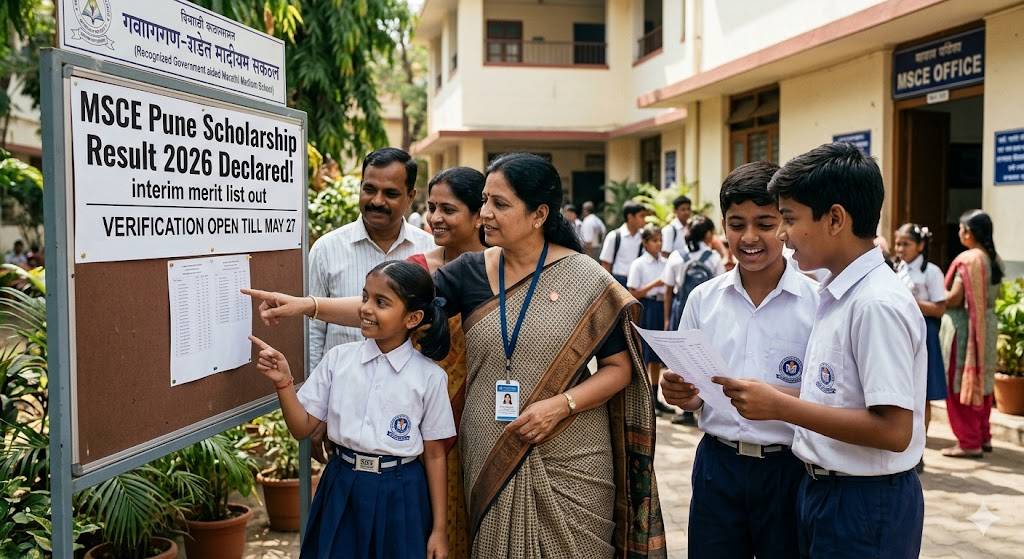
The Maharashtra State Council of Examination (MSCE), Pune, has officially declared the interim (provisional) results for the Pre-Upper Primary Scholarship Examination (Class 5th) and the Pre-Secondary Scholarship Examination (Class 8th) today, May 18, 2026.
The state-level competitive exams were successfully conducted earlier this year on February 22, 2026. Along with the primary 5th and 8th standard scholarship exams, the council has also declared results for the Government Vidyaniketans Entrance Test, Tribal Vidyaniketans Entrance Test, and VJNT Ashram School Entrance Test.
Where to Check the MSCE Pune Scholarship Result 2026
Students, parents, and school administrators can now access the results and scorecards on the official MSCE portals:
- www.mscepune.in
- https://puppssmsce.in
How to Check the MSCE Pune 5th, 8th Scholarship Result 2026
- For Parents & Students: Individual scorecards can be accessed directly on the public portal by entering the student’s 11-digit Seat Number.
- For Schools: Headmasters and administrators can log in using their school’s credentials to view, download, and analyse the cumulative performance sheets of all registered students.
MSCE Pune has provided a structured window for rectifying errors and applying for marks verification before finalising the definitive merit list.
Marks Verification of MSCE Pune 5th, 8th Scholarship Result 2026
If a student or parent suspects a discrepancy in the allocated marks for Paper 1 or Paper 2, they must apply for MSCE Pune result verification 2026.
- Application Mode: Strictly online via the School Login portal. No postal, email, or hand-delivered physical applications will be entertained.
- Timeline: Open from May 18, 2026, to May 27, 2026.
- Fee: An online processing fee of ₹50 per paper is mandatory.
Corrections in Maharashtra 5th, 8th Scholarship Result 2026
Schools can also submit requests to correct typographical errors in the student profile details. Corrections regarding the Student’s Name, Surname, Father’s Name, Mother’s Name, etc., must be submitted online through the school dashboard by May 27, 2026.
If there are errors concerning a school’s designated demographic area (Urban / Rural) or specific curriculum/syllabus details, a formal request letter must be drafted. The request letter must include complete details, be duly signed by the School Principal/Headmaster, and be emailed to puppsshelpdesk@gmail.com on or before May 27, 2026.
Results not show
I want result